Play the demo
Chimera Demo 0.1.0 is an early build of the game, released on 27 October 2026. Everything in it is work in progress.
macOS 14 or newer, on a Mac with Apple silicon (M1 or later). There is no build for Intel Macs or Windows. The app is signed and notarized by Apple. Release page on GitHub.
This is a Mac download.
You are on a phone, and the demo runs only on a Mac with Apple silicon, so the file would not open here. Send the link to your Mac instead.
Email it to yourself Text it to yourself
macOS 14 or newer, Apple silicon (M1 or later). No build for Intel Macs, Windows, iPhone or Android yet. Release page on GitHub, or download the 428 MB disk image anyway.
- Version
- 0.1.0, 27 October 2026
- File
- ChimeraDemo-0.1.0-mac-arm64.dmg, 428 MB disk image
- Install
- Open the disk image and drag Chimera Demo to Applications, or run it from the disk image.
- Controls
- WASD to move, Shift to run, E to talk or use, Esc for the menu and back. Quit from the title or pause menu, or with Cmd+Q.
- Saves
- The demo keeps its own save in its own app container.
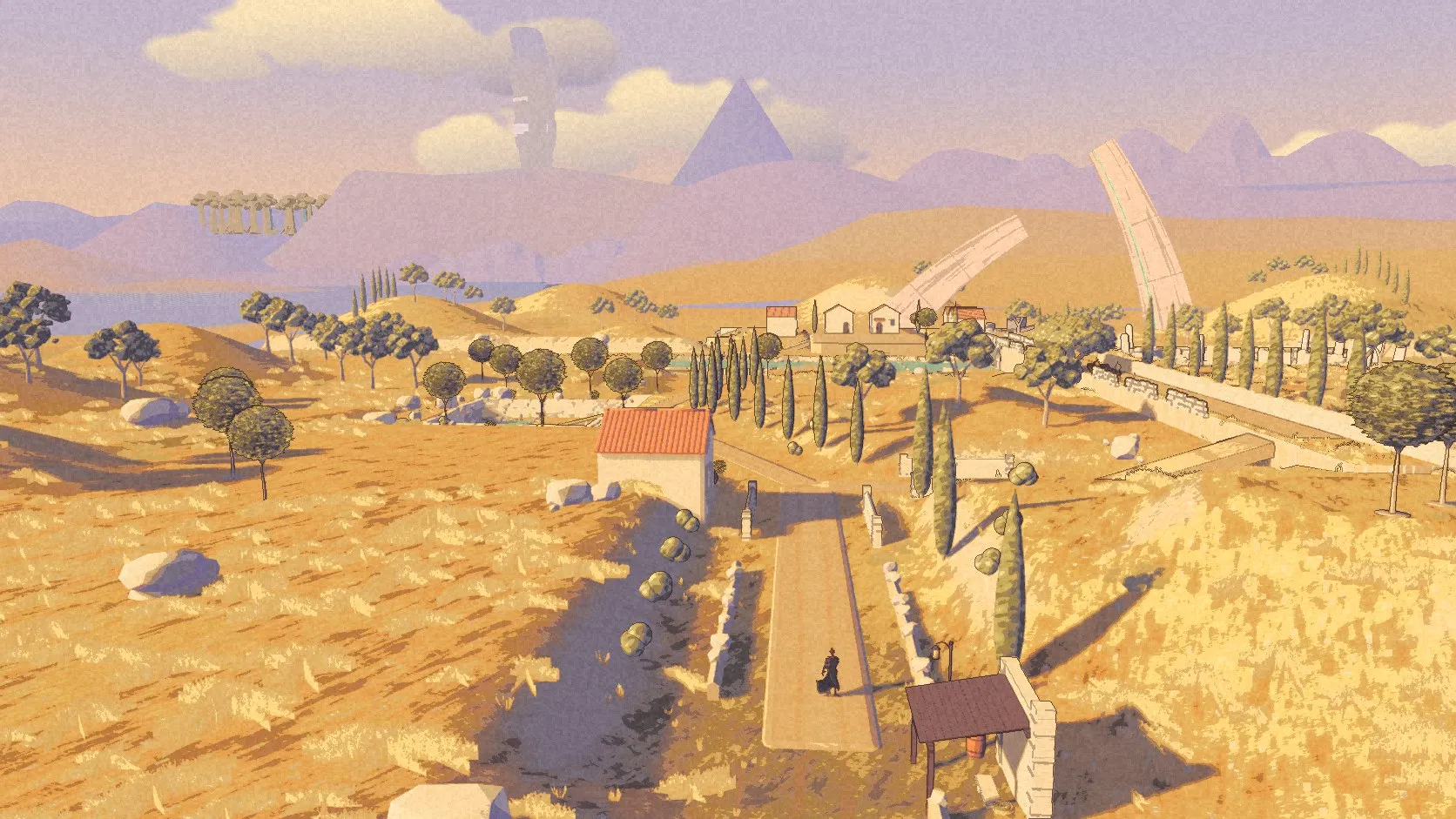
What you can play
To reach the road, leave the square north along the seaside lane to the harbour. The arch at the quay’s east edge opens onto the causeway.
- Havenwood
- The hill town, on one map with no loading: the courtyard and the street, the seaside lane down to the harbour, the church square, the hill village, Dyers’ Steps, the chapel, the rooftop garden and the road to the estate gate. The chapel, the shop and the Rusted Cog can be walked into.
- The coast road
- From the arch at the east edge of the harbour quay, a causeway runs out over the water and through a gate to the Long Road.
- The Long Road
- The whole exploration loop: two branches, three river crossings, a cart to repair, a hidden hollow and a way back to the village.
This is an early demo. Shapes on the horizon are rough silhouettes, nothing past the Long Road can be reached, and the frame rate has only been measured on the M1 Max the game is made on. For what changed since, see the updates.
Check the file
The SHA-256 checksum of ChimeraDemo-0.1.0-mac-arm64.dmg. To compare, run the command in Terminal after the download.
1a911666306d784dbd0fe06f93555f51033e295228cb5b560a0d19bfbbdb21ed
shasum -a 256 ~/Downloads/ChimeraDemo-0.1.0-mac-arm64.dmg